Step 4
Update your profile
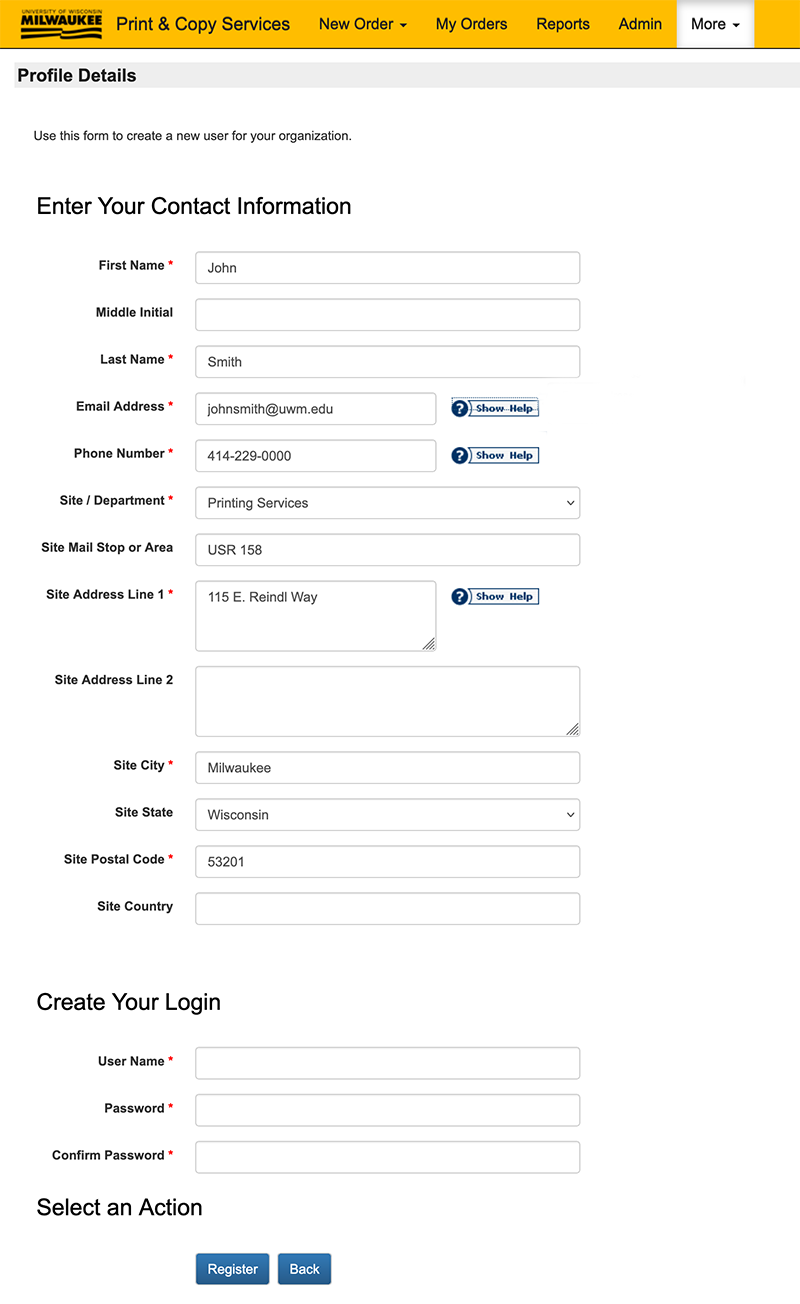
Your PSP User profile is used for contacting, billing and delivery information. Please check for accuracy.
Select Site
Choose your Department from the 'Site / Department' drop-down list.
Verify Delivery Information
To ensure orders are delivered properly, please make sure that your address on campus is correct. Enter the Building and Room Number into the 'Site Mail Stop or Area' line.